Design Studio
AI made interface production faster and design drift easier.
I kept seeing the same failure in AI-assisted product work: an agent would invent a new font size, spacing value, colour, border, or surface treatment because the rules were not explicit enough.
I did not need another component library. I needed a way to make design judgment explicit before an agent wrote the UI.
One state, several design-system workspaces.
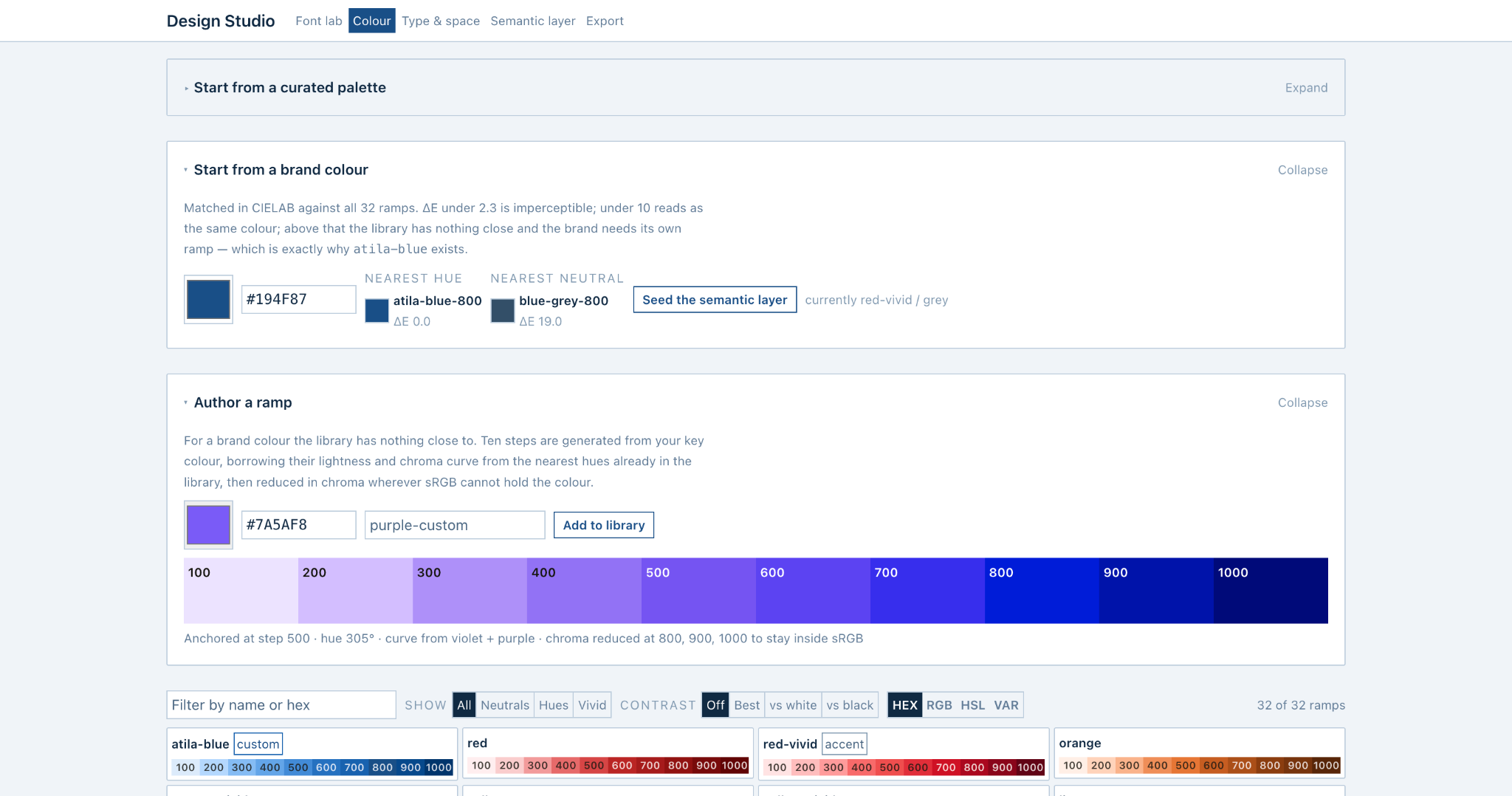
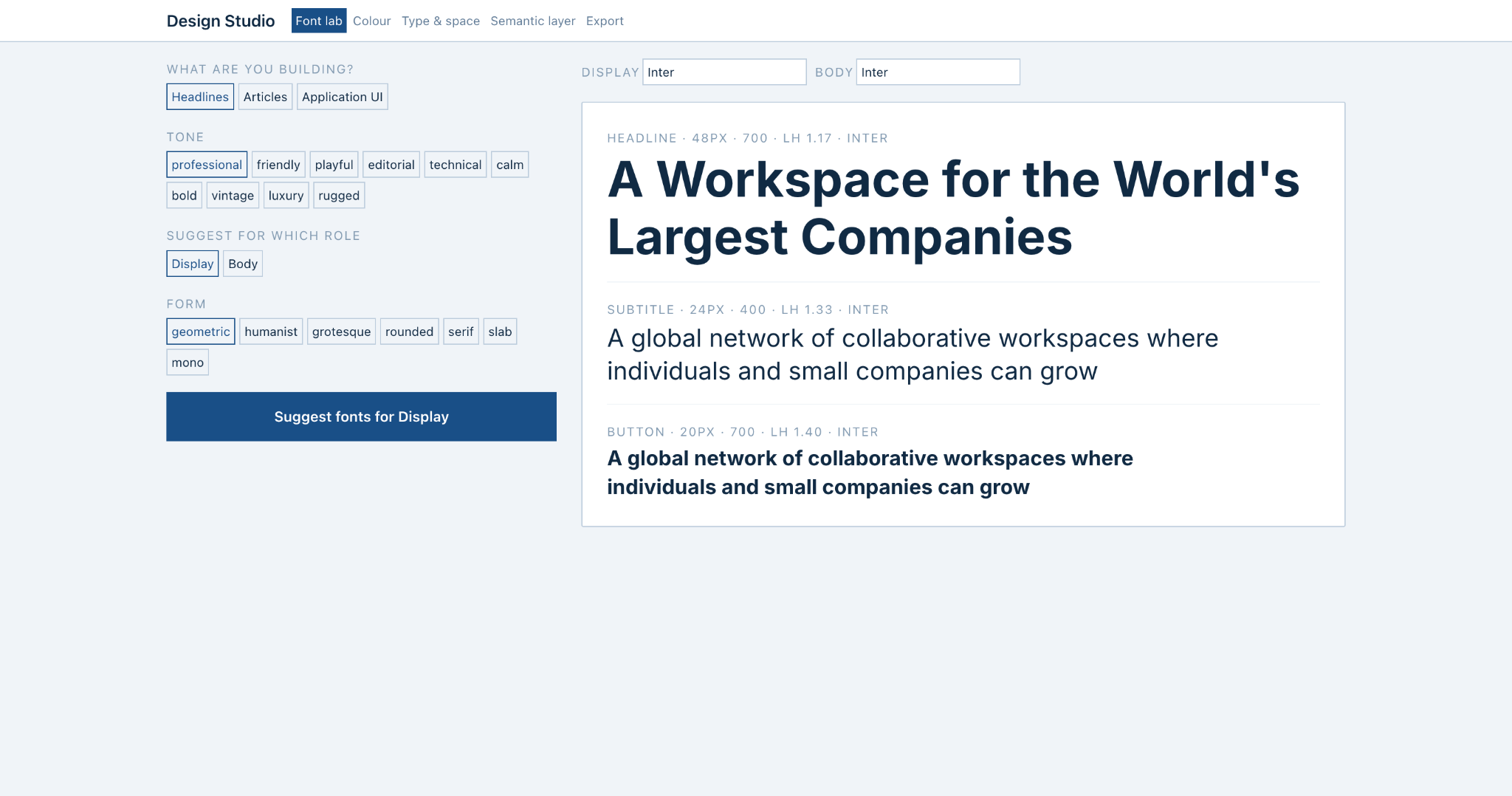
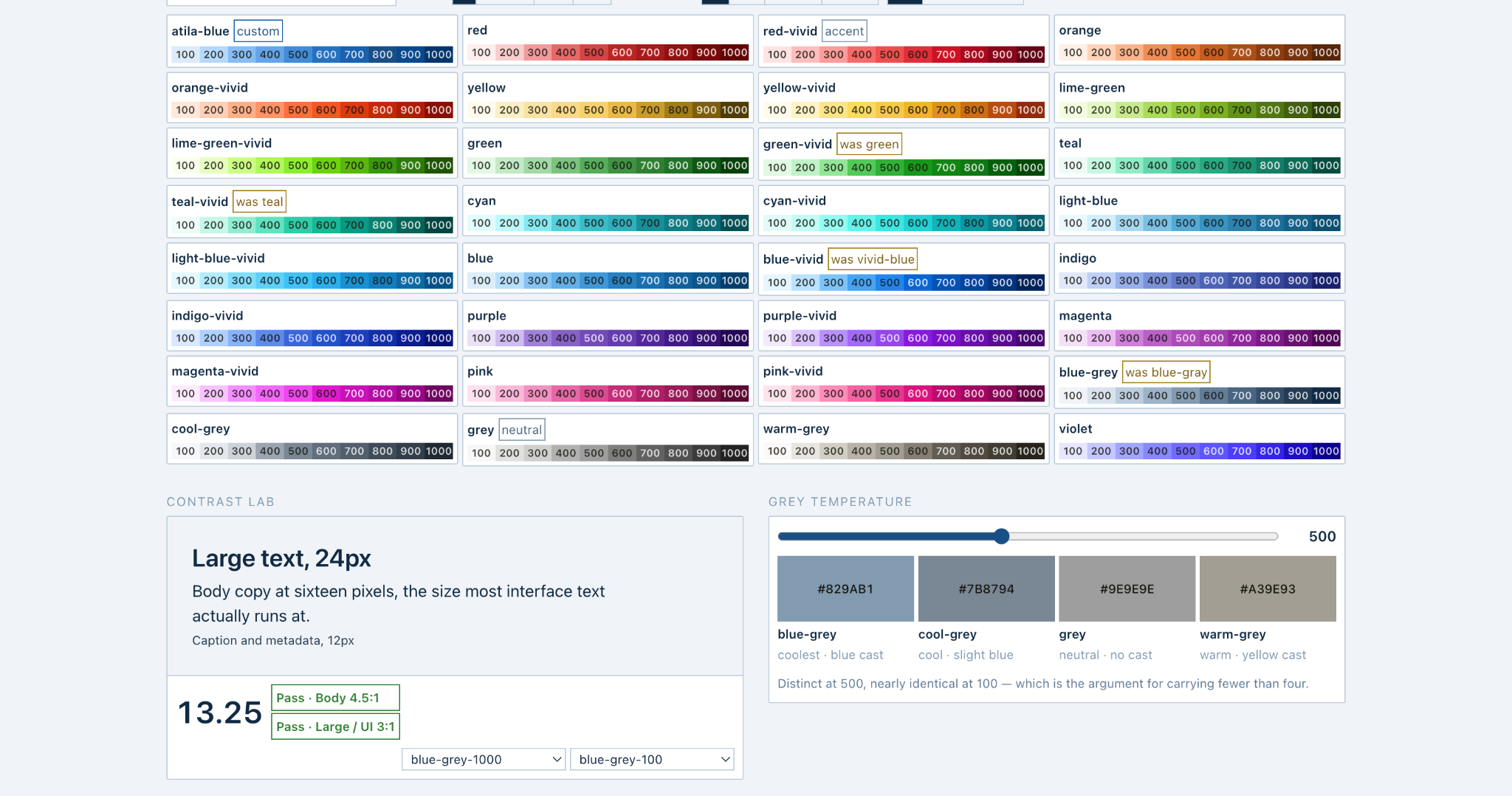
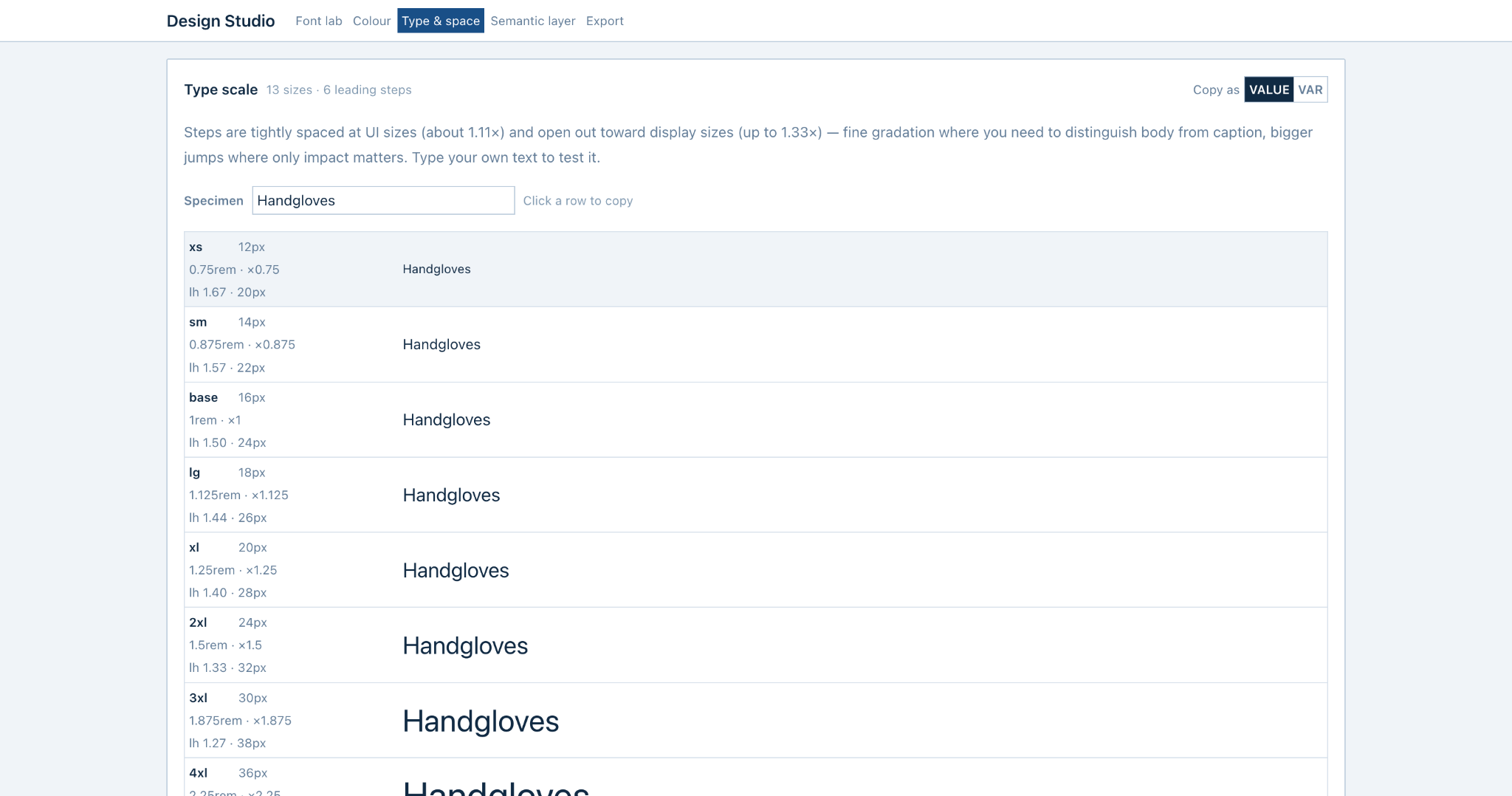
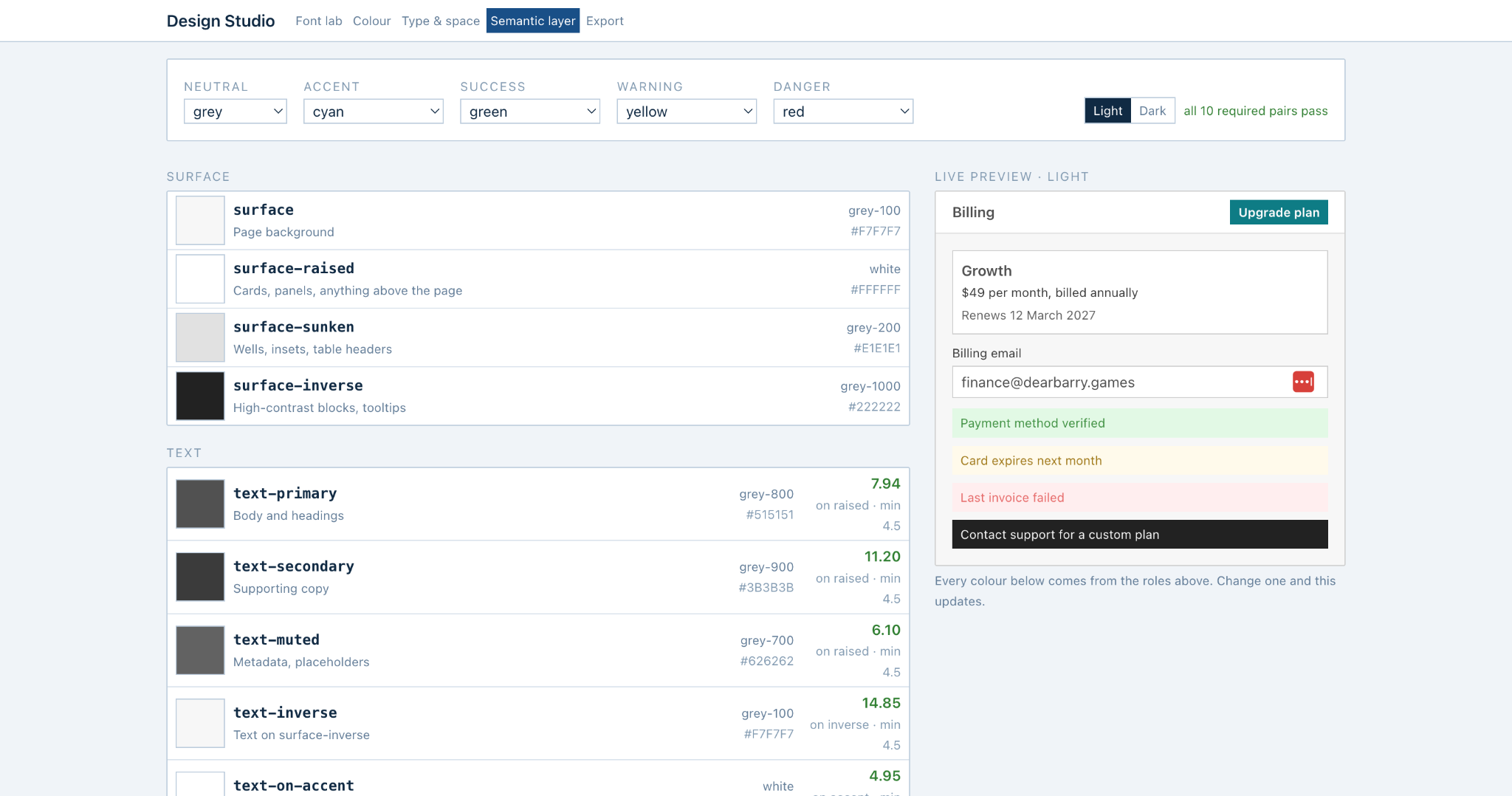
Design Studio started as a Claude Code artifact and became a standalone product because I kept using it. Font, colour, type, spacing, semantic roles, and export share one design-system state.
The agent should inherit the same constraints the human used to make the visual decisions.
Turn subjective choices into inspectable systems.
The tool uses Google Design MCP for font exploration, a curated colour library and brand matching, defined type and spacing scales, and a semantic layer that maps primitives into product roles.
The point is not to automate taste. It is to make the chosen constraints visible and portable so implementation does not silently drift.
The human and the agent should work from the same design system.
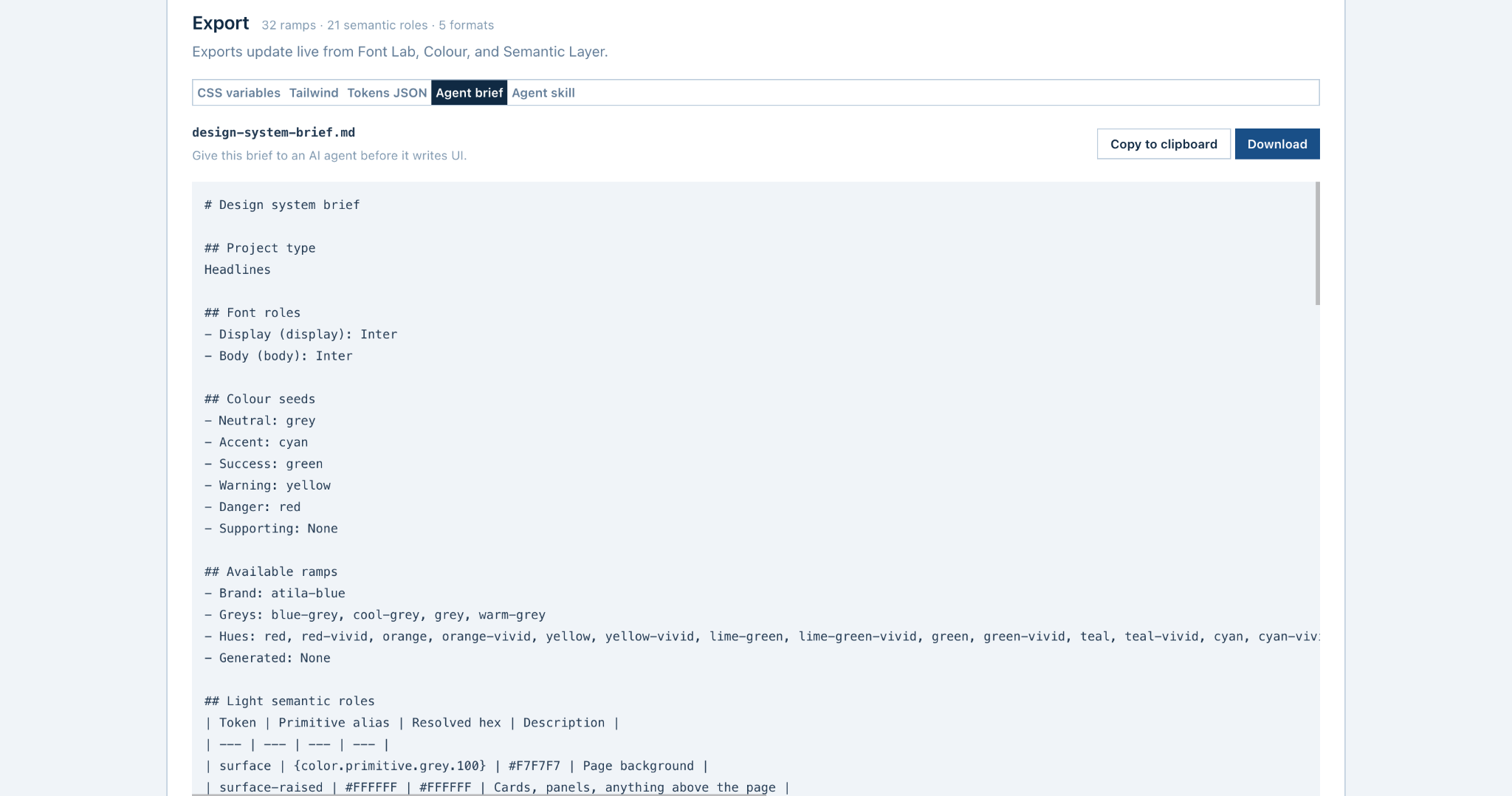
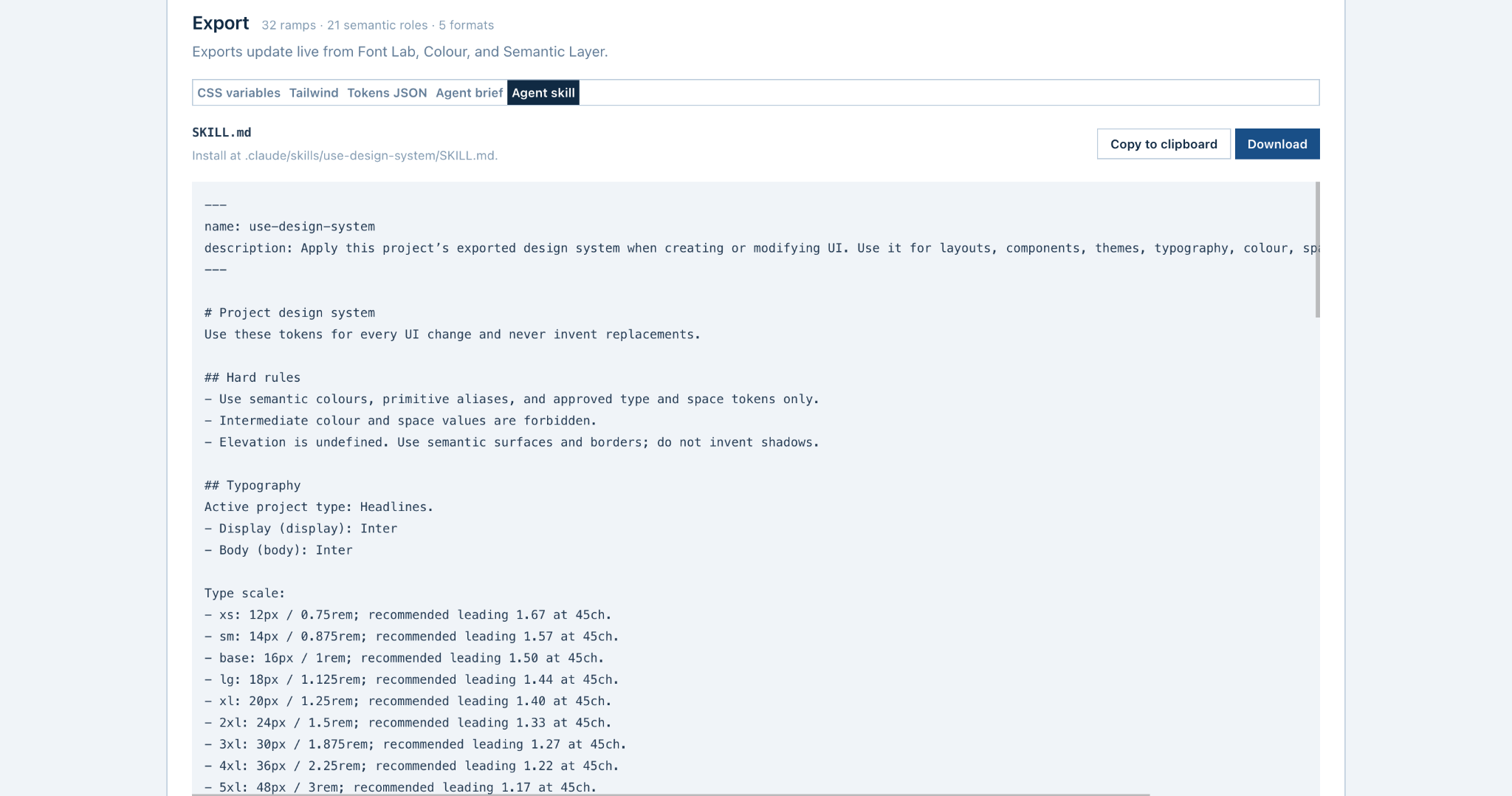
The studio exports the active system for implementation and AI-assisted development. The agent brief explains context; the reusable SKILL.md turns important rules into persistent constraints.
This changes the handoff from “make it look like this” to explicit instructions about approved tokens, roles, and values.
Use the tool on real products.
Design Studio is not only a portfolio concept. I use it across my own product work, including this portfolio. The next evaluation is measurable: run the same UI task with and without the exported brief or skill, then compare invented values, token violations, accessibility problems, and manual corrections.
Working on a hard product problem?
I’m exploring GTM Strategy, AI Product, Product Strategy, and Forward Deployed roles.